Home
Payroll Freeze Notifications
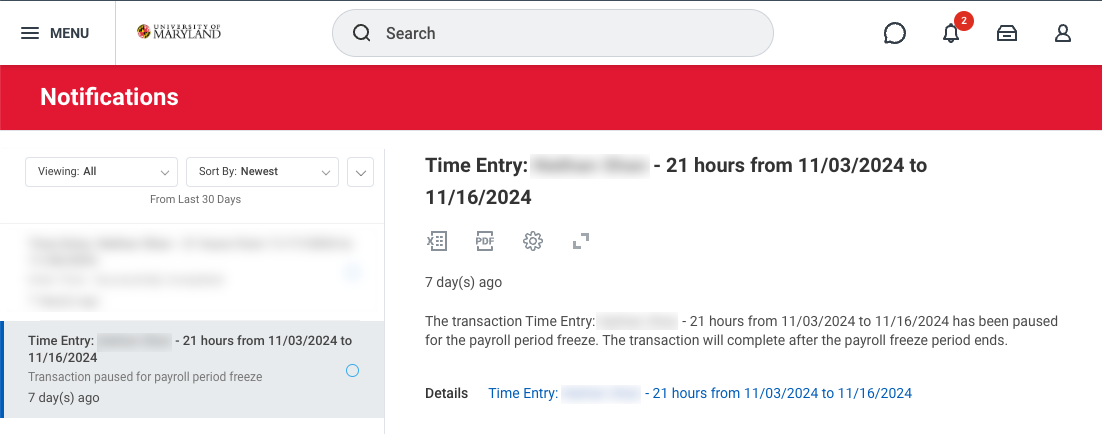
Some employees will receive a payroll freeze notification after their time is approved in Workday. There are a lot of really technical reasons why this happens, but, simply put, this occurs because time entries are processed at different times by the organization based on the type of position.
So what do you (and your employees) need to know?
- The time has been successfully recorded. Once the manager or timekeeper approves then no further action is needed!
- The time entries which are being held due to the payroll freeze will have the status of submitted instead of approved. Once the payroll freeze is lifted, the time entries will display as approved without any additional action needed from you.
The Elevate team is working to refine the notifications received by employees and managers to help reduce confusion around this topic.